
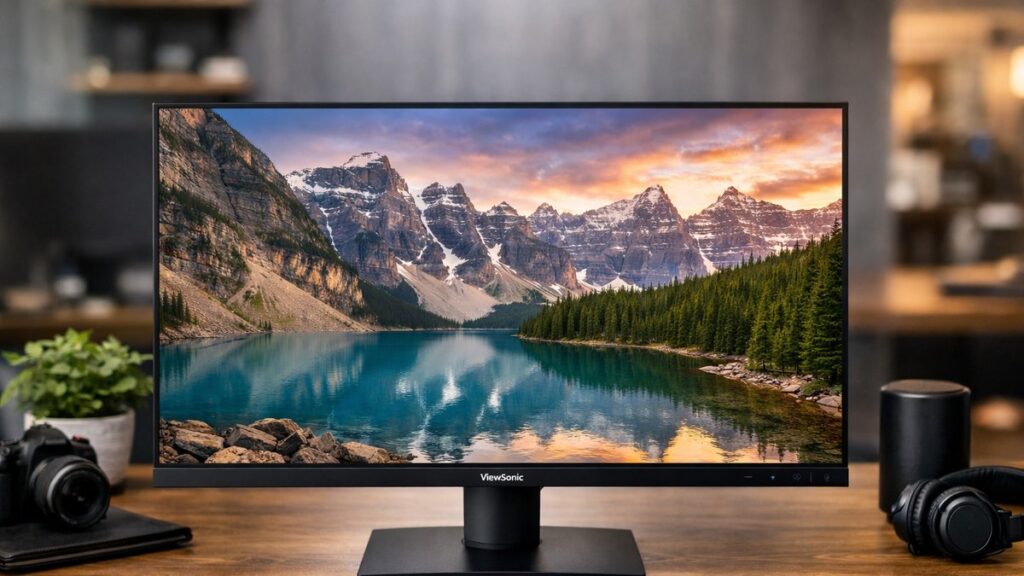
ViewSonic VA2715-2K-MHD: Key Specs at a Glance
| Specification | Details |
|---|---|
| Screen Size | 27 inches |
| Resolution | 2560 x 1440 (QHD / 2K) |
| Panel Type | VA (Vertical Alignment) |
| Refresh Rate | 75 Hz |
| Response Time | 4ms (MPRT) |
| Contrast Ratio | 3000:1 (static) |
| Brightness | 300 cd/m² |
| Color Coverage | 103% sRGB |
| Connectivity | HDMI x2, DisplayPort x1, 3.5mm Audio Out |
| Built-in Speakers | Yes (2 x 3W) |
| VESA Mount | 100 x 100 mm |
| Adaptive Sync | AMD FreeSync |
| HDR Support | No |
VA Panel Quality: What You Actually Get
The VA2715-2K-MHD uses a VA panel, which directly shapes its strengths and trade-offs compared to IPS or TN alternatives at this price tier.
✅ Strengths
- Exceptional 3000:1 contrast ratio — deep blacks for dark room viewing
- Wide color gamut (103% sRGB) — vivid, accurate colors for the price
- Low backlight bleed compared to IPS panels
- Good brightness uniformity across the screen
- Energy-efficient panel with low power consumption
⚠️ Weaknesses
- Narrower viewing angles than IPS (color shift noticeable beyond ~30°)
- VA ghosting can appear in fast-motion sequences
- No HDR certification despite decent contrast
- 75 Hz refresh rate — not suited for competitive gaming
- Stand limited to tilt only (no height or pivot adjustment)
Response Time & Gaming Performance
The va2715 2k mhd advertises 4ms MPRT, but real-world gray-to-gray (GtG) response is closer to 8–10ms — typical for VA panels at this class. Here is how it ranks for different use profiles:
| Use Case | Performance Rating | Notes |
|---|---|---|
| Casual / Single-player Gaming | ⭐⭐⭐⭐ | 75 Hz + FreeSync smooth enough for RPGs, strategy, and adventure games |
| Competitive / FPS Gaming | ⭐⭐ | Ghosting and 75 Hz limit make it unsuitable for fast-paced shooters |
| Productivity / Office Work | ⭐⭐⭐⭐⭐ | QHD resolution greatly improves screen real estate and multitasking |
| Photo / Video Editing | ⭐⭐⭐⭐ | 103% sRGB coverage is solid; not recommended for professional color grading |
| Movie Watching | ⭐⭐⭐⭐⭐ | High contrast ratio delivers cinematic dark scenes and rich colors |
ViewSonic VA2715-2K-MHD vs. Competing Budget QHD Monitors
Before committing, it helps to see how the VA2715-2K-MHD stacks up against similarly priced 27-inch QHD options on the market. You can also browse all ViewSonic and competing 2K monitors browse all ViewSonic and competing 2K monitors to compare the full range of available models.
| Model | Panel | Refresh Rate | Contrast Ratio | Approx. Price | Best For |
|---|---|---|---|---|---|
| ViewSonic VA2715-2K-MHD | VA | 75 Hz | 3000:1 | ~$160–$180 | Value productivity & media |
| LG 27QN600-B | IPS | 75 Hz | 1000:1 | ~$180–$210 | Color accuracy, wider angles |
| AOC Q27B3CF2 | VA | 100 Hz | 4000:1 | ~$200–$220 | Slightly faster VA option |
| Dell S2722DC | IPS | 75 Hz | 1000:1 | ~$250–$280 | USB-C workflow, IPS accuracy |
| ASUS VA27EHF | IPS | 100 Hz | 1000:1 | ~$150–$170 | Faster refresh on a budget |
[amazon_rapid query=”ViewSonic VA2715-2K-MHD QHD monitor” brand=”ViewSonic” layout=”magazine” cols=”2″ country=”US” lang=”en_US” max_pages=”1″ per_page=”4″ sort_by=”RELEVANCE” show_variants=”0″]
Display Calibration: Out-of-Box vs. Calibrated Performance
Out of Box
- Color temperature runs slightly warm (~6200K vs. target 6500K)
- Contrast set too high by default — loses shadow detail
- Sharpness oversharpened at factory setting
- sRGB mode available but locks out manual adjustments
Recommended OSD Settings
- Brightness: 40–50% (for typical indoor lighting)
- Contrast: 50 (default is too aggressive)
- Sharpness: 50 (reduce from default)
- Color Temperature: User mode — set RGB to 97 / 100 / 100
- Response Time: Standard (not fast — reduces overshoot artifacts)
Build Quality & Ergonomics
Design & Build
- Slim, clean bezel — thin 3-sided frameless design
- All-plastic construction — typical for the price bracket
- Matte anti-glare coating reduces reflections effectively
- Cable management passthrough on the stand
- Relatively compact footprint for a 27-inch display
Ergonomics
- Tilt: -5° to +20° ✅
- Height adjustment: ❌ Not available
- Swivel: ❌ Not available
- Pivot / Portrait mode: ❌ Not available
- VESA 100x100mm: ✅ Supports aftermarket arms
The stand’s limited adjustability is the most notable ergonomic compromise. If you plan to use the VA2715-2K-MHD for extended work sessions, a VESA monitor arm is strongly recommended to achieve a comfortable viewing height and reduce neck strain.
Who Should Buy the ViewSonic VA2715-2K-MHD?
Ideal For 👍
- Budget-conscious buyers wanting QHD resolution under $200
- Home office or student setups prioritizing screen real estate
- Media consumption and streaming with rich contrast
- Casual gamers who play single-player or strategy titles
- Users upgrading from 1080p seeking a clear visual jump
Not Ideal For 👎
- Competitive FPS or fast-action gamers needing 144 Hz+
- Professional designers requiring wide color gamut (P3/AdobeRGB)
- Users needing full ergonomic adjustability without a separate arm
- Multi-monitor setups where consistent viewing angles are critical
- HDR content creators or enthusiasts
Value Assessment
| Category | Score (out of 10) | Verdict |
|---|---|---|
| Image Quality | 7.5 | Strong contrast and color for the price |
| Gaming Performance | 6.0 | Acceptable for casual use only |
| Productivity Value | 8.5 | QHD at this price is a genuine advantage |
| Build Quality | 6.5 | Functional but basic materials |
| Ergonomics | 5.5 | Tilt only — arm recommended |
| Connectivity | 7.0 | 2x HDMI + DP covers most setups |
| Overall Value | 7.8 | One of the best QHD deals under $200 |