
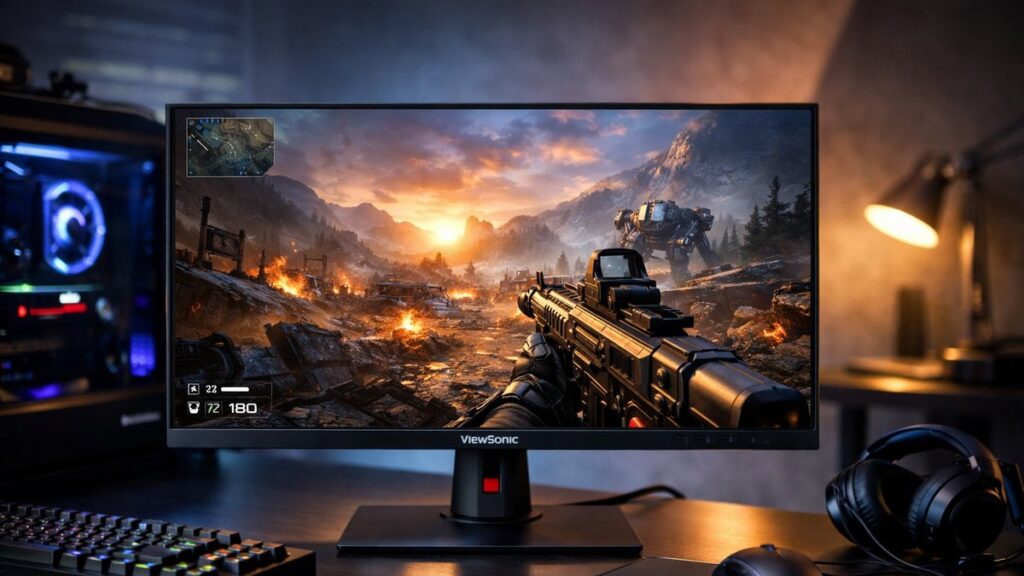
Best ViewSonic 2K Monitors for Gaming: Top QHD Picks Ranked
Whether you’re building a competitive setup or a high-fidelity single-player rig, ViewSonic’s QHD lineup covers a wide range of needs. Use this guide to quickly compare the top models by performance tier and find the right fit — or head back to the ViewSonic 2K monitor buying guide for a deeper breakdown of specs to prioritize.
Top ViewSonic QHD Gaming Monitors at a Glance
| Model | Panel | Refresh Rate | Response Time | Sync Tech | HDR | Best For |
|---|---|---|---|---|---|---|
| ViewSonic XG272-2K | IPS | 165Hz | 1ms (MPRT) | FreeSync Premium / G-Sync Compatible | HDR10 | Balanced all-around gaming |
| ViewSonic XG271QG | Nano IPS | 165Hz | 1ms (GtG) | G-Sync (Hardware) | HDR400 | NVIDIA-exclusive setups |
| ViewSonic XG272G | Fast IPS | 180Hz | 1ms (GtG) | FreeSync Premium Pro / G-Sync Compatible | HDR400 | High-refresh competitive play |
| ViewSonic VP2768a | IPS | 75Hz | 5ms (GtG) | Adaptive Sync | HDR10 | Color accuracy + casual gaming |
| ViewSonic VX2758-2KP-MHD | IPS | 144Hz | 1ms (MPRT) | FreeSync Premium | No | Budget 2K gaming |
Model-by-Model Breakdown
ViewSonic XG272-2K — Best All-Round QHD Gaming Monitor
✅ Pros
- Dual sync compatibility (works with AMD and NVIDIA)
- 1ms MPRT for sharp fast-motion clarity
- Ergonomic stand with full adjustment range
- Solid color coverage for the price
❌ Cons
- HDR10 only — no local dimming
- No hardware G-Sync module
- Stand base takes significant desk space
ViewSonic XG271QG — Best for NVIDIA GPU Users
✅ Pros
- Hardware G-Sync module for guaranteed tear-free performance
- Nano IPS panel with wide color gamut
- DisplayHDR 400 certification
- Premium build quality
❌ Cons
- Higher price due to G-Sync hardware
- Not compatible with AMD FreeSync
- HDR performance still limited at 400 nits
ViewSonic XG272G — Best for High-Refresh Competitive Gaming
✅ Pros
- 180Hz Fast IPS panel — top refresh rate in the ViewSonic QHD lineup
- FreeSync Premium Pro with G-Sync Compatible status
- 1ms GtG response time for competitive play
- Strong out-of-box color accuracy
❌ Cons
- Premium pricing for a 27″ non-OLED panel
- HDR400 still entry-level HDR
- Overkill for casual or mixed-use scenarios
ViewSonic VP2768a — Best for Color-Critical Work + Light Gaming
✅ Pros
- Factory-calibrated with Delta E <2
- Covers 100% sRGB and wide DCI-P3 coverage
- USB-C with 90W power delivery
- Ideal for creative professionals who also game
❌ Cons
- Only 75Hz — not suited for competitive gaming
- 5ms response time is noticeable in fast-paced games
- No FreeSync Premium or G-Sync
ViewSonic VX2758-2KP-MHD — Best Budget QHD Gaming Monitor
✅ Pros
- Lowest price point in the QHD gaming lineup
- 144Hz IPS with FreeSync Premium
- Good color reproduction for the price tier
- 27″ screen — excellent pixel density at 2K
❌ Cons
- No HDR support
- No USB-C or KVM features
- Basic stand with limited ergonomics
Key Gaming Specs: What to Compare
| Spec | Competitive Gaming | Immersive / Single-Player | Mixed Use |
|---|---|---|---|
| Refresh Rate | 165Hz–180Hz minimum | 144Hz sufficient | 75Hz–144Hz |
| Response Time | 1ms GtG preferred | 1–3ms acceptable | Up to 5ms |
| Sync Technology | G-Sync / FreeSync Premium | FreeSync Premium Pro ideal | Basic Adaptive Sync |
| HDR | Optional | HDR400+ recommended | HDR10 baseline |
| Panel Type | Fast IPS or TN | IPS or Nano IPS | IPS |
Which ViewSonic 2K Monitor Should You Buy?
- 🎯 Best for competitive FPS/RTS games: ViewSonic XG272G (180Hz, 1ms GtG, FreeSync Premium Pro)
- 🖥️ Best for NVIDIA GPU builds: ViewSonic XG271QG (hardware G-Sync, Nano IPS)
- ⚖️ Best balanced pick: ViewSonic XG272-2K (dual-sync, ergonomic, mid-price)
- 🎨 Best for creators who game: ViewSonic VP2768a (factory-calibrated, USB-C, wide gamut)
- 💰 Best budget QHD monitor: ViewSonic VX2758-2KP-MHD (144Hz, FreeSync, affordable)
[amazon_rapid query=”ViewSonic 2K gaming monitor” brand=”ViewSonic” layout=”magazine” cols=”2″ country=”US” lang=”en_US” max_pages=”1″ per_page=”4″ sort_by=”RELEVANCE” show_variants=”0″]
G-Sync vs FreeSync on ViewSonic QHD Monitors
| Feature | G-Sync (Hardware) | G-Sync Compatible | FreeSync Premium Pro |
|---|---|---|---|
| GPU requirement | NVIDIA only | NVIDIA (recommended) | AMD (primary), NVIDIA supported |
| Price impact | +$100–$200 premium | Minimal | Minimal |
| Tear-free guarantee | Certified | Tested, not certified | AMD certified |
| HDR sync support | G-Sync Ultimate only | No | Yes (FreeSync Premium Pro) |
| ViewSonic models | XG271QG | XG272-2K, XG272G | XG272G |
Setup Tips for ViewSonic QHD Gaming Monitors
- 🔧 Enable the correct refresh rate in Windows Display Settings after connecting — monitors often default to 60Hz on first boot.
- 🎮 Activate the gaming preset (FPS, RTS, or MOBA mode) from the OSD menu to get optimized black levels and response.
- 💡 For HDR gaming, enable HDR in both Windows and in-game settings simultaneously; HDR on monitor alone has no effect.
- 📐 Use the ergonomic stand to set the panel at eye level — reduces neck strain during long sessions.
- 🔌 Use a DisplayPort cable (not HDMI) for full refresh rate support at QHD resolution on all listed models.
For a full walkthrough of picture modes, response time settings, and HDR calibration, optimize your gaming monitor with the best ViewSonic settings to get the most out of whichever model you choose.
ViewSonic QHD Gaming Monitor Comparison: Refresh Rate vs Price
| Model | Refresh Rate | Price Tier | Value Rating |
|---|---|---|---|
| VX2758-2KP-MHD | 144Hz | Budget (~$200–$250) | ⭐⭐⭐⭐⭐ |
| XG272-2K | 165Hz | Mid-range (~$300–$350) | ⭐⭐⭐⭐ |
| XG272G | 180Hz | Mid-high (~$380–$430) | ⭐⭐⭐⭐ |
| VP2768a | 75Hz | Mid-range (~$300–$380) | ⭐⭐⭐ (non-gaming) |
| XG271QG | 165Hz | Premium (~$500–$600) | ⭐⭐⭐ (NVIDIA-only) |