
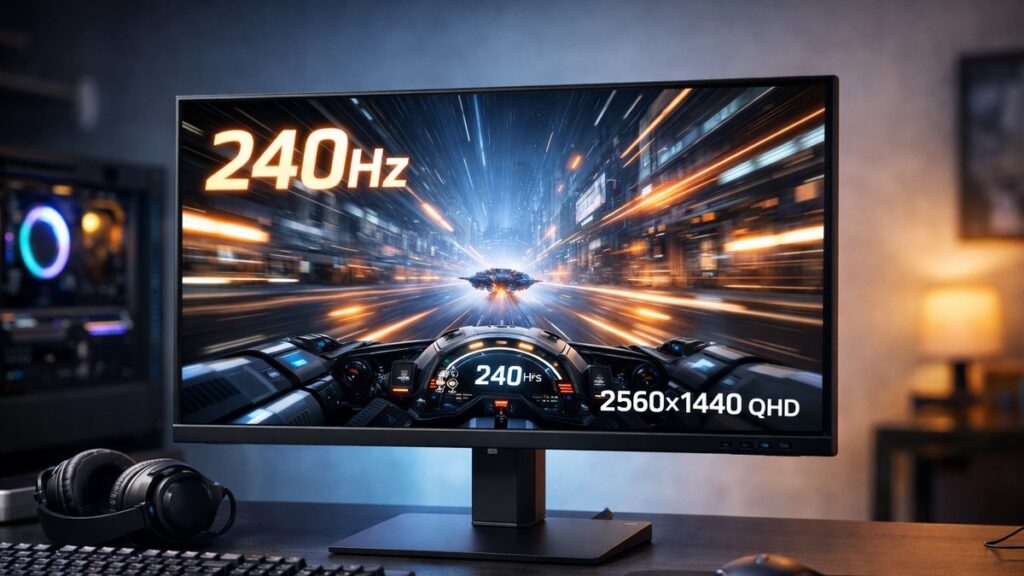
2K Monitor 240Hz: Key Specs You Need to Understand Before Buying
Choosing a 2K monitor at 240Hz means navigating a dense set of specifications that directly impact performance and image quality. This guide breaks down every critical spec so you can compare options with confidence. For a broader purchase overview, read our comprehensive 2K monitor guide before diving into the details below.
Resolution at a Glance: What “2K” Actually Means
🖥️ QHD / 1440p
- 2560 × 1440 pixels
- Most common “2K” standard for gaming monitors
- ~77% more pixels than 1080p
- Sweet spot between sharpness and GPU demand
📐 True 2K (DCI)
- 2048 × 1080 pixels
- Cinema industry standard
- Rarely used in consumer monitors
- Not typical for gaming or productivity
In the consumer monitor market, “2K” almost universally refers to QHD (2560×1440). For a deeper breakdown, see understanding QHD vs 1440p resolution and 2K vs 4K monitor: which should you choose?.
Refresh Rate: Why 240Hz Matters for 2K
| Refresh Rate | Best For | GPU Requirement (1440p) | Typical Use Case |
|---|---|---|---|
| 60Hz | Productivity, casual use | Low (GTX 1060 class) | Office, content creation |
| 120Hz | Console gaming, general gaming | Moderate (RTX 3060 class) | Smooth everyday gaming |
| 144Hz | Competitive & casual gaming | Moderate-High (RTX 3070) | FPS, racing games |
| 165Hz | Mid-high competitive | High (RTX 3070 Ti) | Esports, action titles |
| 240Hz | Pro/competitive gaming | Very High (RTX 4080+) | FPS esports, reaction-critical games |
| 360Hz+ | Pro esports (1080p preferred) | Extreme | Rare at 1440p |
A 2K monitor 240Hz delivers ultra-smooth motion crucial for competitive titles like Valorant, CS2, and Apex Legends. Note that driving 1440p at 240fps consistently demands a flagship GPU — budget accordingly. Those stepping down should check out 2K monitors at 120Hz reviewed for more accessible options.
Panel Technologies: IPS, VA, and OLED Compared
| Spec | IPS | VA | OLED |
|---|---|---|---|
| Response Time (GtG) | 1–4ms | 1–4ms (fast VA) | 0.03ms or less |
| Contrast Ratio | 1000:1 typical | 3000:1–6000:1 | Virtually infinite |
| Color Accuracy | Excellent | Good | Outstanding |
| Viewing Angles | 178°/178° | ~178°/178° (some shift) | 178°/178° |
| Black Levels | Average | Very good | Perfect (true black) |
| HDR Performance | Moderate (FALD improves) | Good (high contrast) | Best in class |
| Burn-in Risk | None | None | Low but present |
| 240Hz Availability | Common | Rare | Growing (QD-OLED) |
| Price Range | Mid | Mid-low | High |
For a full side-by-side analysis tailored to 1440p gaming, explore IPS vs VA vs OLED panel types for 2K. At 240Hz, IPS and QD-OLED are the dominant choices.
Response Time: The Numbers That Actually Matter
⚡ GtG (Gray-to-Gray)
- Most commonly advertised metric
- Target: 1ms or below for 240Hz gaming
- 1–2ms: excellent competitive performance
- 4ms+: may show ghosting at 240Hz
🕐 MPRT (Moving Picture Response Time)
- Measures perceived blur, not pixel switching
- Requires backlight strobing (MBR/ULMB)
- 1ms MPRT ≠ 1ms GtG — different measurements
- More relevant for motion clarity perception
⚠️ Always check independent lab-measured response times, not just manufacturer specs — overdrive settings can introduce inverse ghosting even on fast panels.
HDR Specifications: Tiers You Should Know
| HDR Tier | Peak Brightness | Local Dimming | Real-World Impact |
|---|---|---|---|
| HDR400 | 400 nits | No / Edge-lit | Minimal — mostly a marketing label |
| HDR600 | 600 nits | Basic local dimming | Noticeable but not transformative |
| HDR1000 | 1000 nits | Full-array local dimming | Good HDR impact, requires FALD |
| OLED / QD-OLED | 1000+ nits peak | Per-pixel (infinite) | Best contrast & HDR at any tier |
Most 240Hz 2K monitors carry HDR400 or HDR600 certification. For meaningful HDR at 1440p, target HDR1000 with FALD or an OLED panel. For a detailed breakdown, check HDR on 2K monitors: what to look for.
Connectivity & Sync Technology
🔌 Ports to Prioritize
- DisplayPort 1.4 — Required for 1440p 240Hz (uncompressed)
- HDMI 2.1 — Supports 1440p 240Hz; needed for console use
- HDMI 2.0 — Max 1440p 144Hz; insufficient for 240Hz
- USB-C (DP Alt Mode) — Convenient for laptops; check bandwidth
🔄 Adaptive Sync Standards
- NVIDIA G-Sync Compatible — FreeSync monitors certified by NVIDIA
- G-Sync (hardware module) — Premium, no tearing, higher cost
- AMD FreeSync Premium Pro — Low latency + HDR support
- VESA Adaptive-Sync — Base open standard for variable refresh
📌 For a 2K monitor 240Hz, DisplayPort 1.4 (or DP 2.0/2.1 on newer models) is non-negotiable for full uncompressed bandwidth. Always verify the port spec before purchasing.
Top 2K 240Hz Monitor Picks
[amazon_rapid query=”2K 1440p 240Hz gaming monitor” brand=”” layout=”magazine” cols=”2″ country=”US” lang=”en_US” max_pages=”1″ per_page=”4″ sort_by=”RELEVANCE” show_variants=”0″]
Color Performance Specs: What the Numbers Mean
| Specification | What It Means | Target Value for Gaming | Target Value for Creative Work |
|---|---|---|---|
| sRGB Coverage | Standard color space (web, gaming) | 95%+ | 100% |
| DCI-P3 Coverage | Wide color gamut (HDR content) | 90%+ | 95%+ |
| Color Depth | Shades per channel | 8-bit (16.7M colors) | 10-bit (1.07B colors) |
| Delta E (ΔE) | Color accuracy deviation | <3 acceptable | <2 for accuracy-critical work |
| Color Temperature | White point warmth/coolness | ~6500K (D65) | 6500K calibrated |
Quick Spec Checklist: 2K Monitor 240Hz Buyer’s Reference
- ✅ Resolution: 2560×1440 (QHD)
- ✅ Refresh Rate: 240Hz (verified native, not overclocked)
- ✅ Panel Type: IPS or QD-OLED for best motion + color balance
- ✅ Response Time: 1ms GtG or below (check reviewed lab data)
- ✅ Adaptive Sync: G-Sync Compatible or FreeSync Premium Pro
- ✅ Connectivity: DisplayPort 1.4 minimum; HDMI 2.1 for console use
- ✅ HDR: HDR600 minimum; HDR1000 (FALD) or OLED for real HDR impact
- ✅ Color: 95%+ sRGB / 90%+ DCI-P3 coverage
- ✅ GPU Pairing: RTX 4070 Ti or RX 7900 XT class recommended