
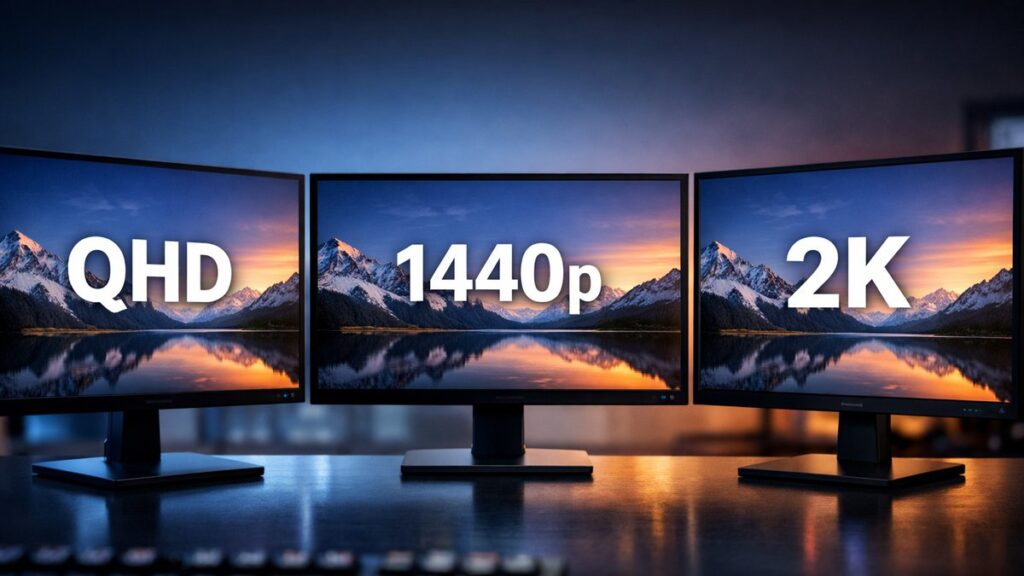
QHD vs 1440p vs 2K: Are They Really the Same Resolution?
Monitor spec sheets throw around “QHD,” “1440p,” and “2K” as if they are identical — but they are not always the same thing. Understanding the differences helps you make a smarter buying decision and avoid misleading marketing.
Resolution Terms Defined Side by Side
| Term | Exact Pixel Count | Aspect Ratio | Official Standard? |
|---|---|---|---|
| 1440p | 2560 × 1440 | 16:9 | Yes (vertical pixel count) |
| QHD (Quad HD) | 2560 × 1440 | 16:9 | Yes (industry standard) |
| 2K | Officially 2048 × 1080 (DCI) | 17:9 | Yes, but widely misused |
| WQHD | 3440 × 1440 | 21:9 | Yes (ultrawide variant) |
The core confusion: monitor manufacturers routinely label 2560 × 1440 displays as “2K” for marketing purposes, even though the true DCI 2K standard is 2048 × 1080. In practice, when a gaming monitor is advertised as “2K,” it almost always means QHD / 1440p.
Why QHD and 1440p Are Used Interchangeably
The “1440p” Label
- Refers to the vertical pixel count (1440 horizontal lines)
- Same naming convention as 1080p (Full HD) and 2160p (4K)
- Common in gaming communities and GPU driver software
- Used by NVIDIA, AMD, and game engines as a resolution preset
The “QHD” Label
- Stands for Quad HD — exactly 4× the pixel count of 720p HD
- Industry-standard term used in monitor and TV specifications
- Found on official product datasheets from LG, Samsung, ASUS, etc.
- Confirmed resolution: 2560 × 1440 pixels
How to Read Resolution Labels on Spec Sheets
- 🔍 Check the pixel matrix first — Always look for the actual resolution listed as “X × Y pixels” (e.g., 2560 × 1440). Do not rely on marketing names alone.
- 📐 Verify the aspect ratio — 16:9 confirms QHD/1440p; 21:9 indicates ultrawide WQHD; 17:9 or 256:135 points to true DCI 2K.
- 🖥️ Cross-check the panel size — A 27-inch monitor at 2560 × 1440 yields ~109 PPI (pixels per inch), a reliable QHD indicator.
- ⚙️ Look at GPU/OS output settings — When your graphics card lists “2560 × 1440” as the selected mode, that is QHD/1440p regardless of what the box says.
- 📦 Ignore “2K” if used alone — Without a pixel count alongside it, “2K” on a consumer monitor box is a marketing term, not a technical specification.
QHD vs 1440p vs 2K: Pixel Density Comparison by Screen Size
| Screen Size | Resolution (QHD/1440p) | Pixel Density (PPI) | Sharpness Rating |
|---|---|---|---|
| 24 inch | 2560 × 1440 | ~122 PPI | ⭐⭐⭐⭐⭐ Excellent |
| 27 inch | 2560 × 1440 | ~109 PPI | ⭐⭐⭐⭐ Very Good |
| 32 inch | 2560 × 1440 | ~92 PPI | ⭐⭐⭐ Good |
| 34 inch (ultrawide) | 3440 × 1440 (WQHD) | ~109 PPI | ⭐⭐⭐⭐ Very Good |
For the best balance of sharpness and performance, 27-inch QHD monitors remain the most popular choice among gamers and creative professionals. For deeper technical specs beyond resolution — including refresh rate and panel type — read our full breakdown of 2K monitor terminology.
Top-Rated QHD / 1440p Monitors to Consider
[amazon_rapid query=”QHD 1440p gaming monitor” brand=”” layout=”magazine” cols=”2″ country=”US” lang=”en_US” max_pages=”1″ per_page=”4″ sort_by=”RELEVANCE” show_variants=”0″]
Key Differences at a Glance: QHD vs 1440p vs 2K
✅ When the Terms Mean the Same Thing
- Consumer gaming monitors marketed as “2K” almost always ship at 2560 × 1440
- QHD and 1440p describe the exact same resolution on 16:9 panels
- GPU software and games treat QHD and 1440p as identical presets
- Product listings on Amazon, Newegg, and retailer sites use all three names for the same panel
⚠️ When the Terms Diverge
- True DCI 2K (2048 × 1080) is used in cinema projectors and professional video production, not consumer monitors
- WQHD (3440 × 1440) shares the 1440p vertical count but is a different ultrawide format
- Some budget monitors may label themselves “2K” while shipping at lower-than-expected resolutions — always verify pixel counts
- On spec sheets for broadcast or film equipment, “2K” exclusively means 2048 × 1080
What to Look for When Buying a QHD Monitor
- 🖥️ Confirmed pixel count: 2560 × 1440 in the product specifications
- ⚡ Refresh rate: 144Hz minimum for gaming; 240Hz for competitive play
- 🎨 Panel type: IPS for color accuracy, VA for contrast, TN for fastest response, OLED for premium quality
- 📏 Screen size sweet spot: 27 inches at QHD delivers the best PPI balance for desktop use
- 🔌 Connectivity: DisplayPort 1.4 or HDMI 2.0+ to support full QHD at high refresh rates
- 🏆 Certification: Look for VESA DisplayHDR, FreeSync Premium, or G-Sync Compatible badges for validated performance