
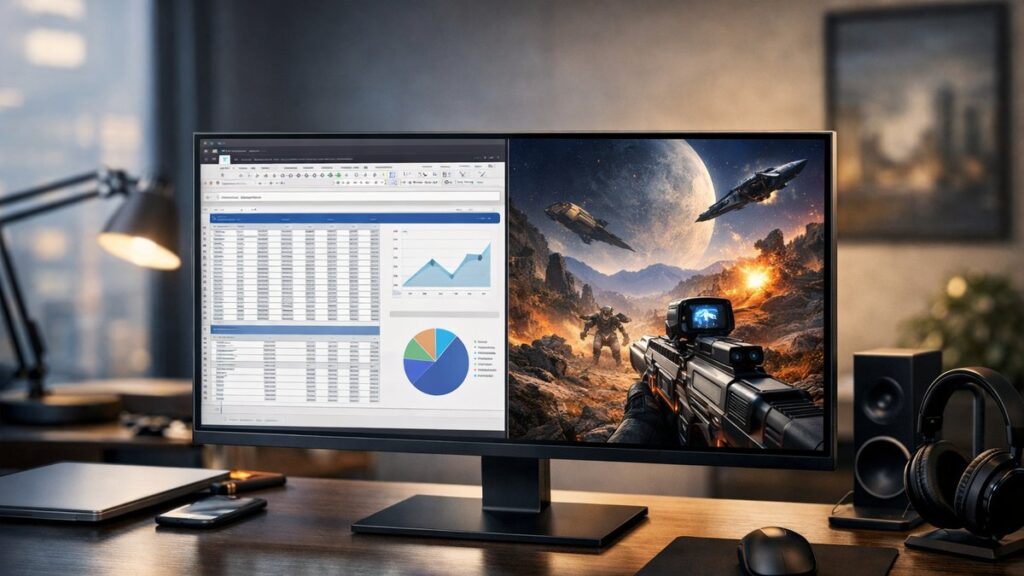
32 Inch 2K Monitor: Is QHD Worth It at This Size?
At 32 inches, a QHD (2560×1440) panel delivers a noticeably different experience than smaller screens — more screen real estate, wider field of view, but a pixel density trade-off that directly affects sharpness. Here’s everything you need to evaluate before buying.
Pixel Density at 32 Inches: What You Actually Get
| Screen Size | Resolution | PPI (Pixels Per Inch) | Sharpness Perception |
|---|---|---|---|
| 24 inch | 2560×1440 | ~122 PPI | Very sharp |
| 27 inch | 2560×1440 | ~109 PPI | Sharp |
| 32 inch | 2560×1440 | ~92 PPI | Acceptable at normal distance |
| 32 inch | 3840×2160 (4K) | ~138 PPI | Excellent |
At ~92 PPI, a 32-inch QHD monitor sits below the commonly cited 100 PPI “retina-equivalent” threshold. Text and fine details may appear slightly softer compared to a 27-inch QHD panel — especially noticeable when sitting less than 70–80 cm from the screen.
Ideal Viewing Distance for 32-Inch QHD
✅ Sweet Spot: 70–100 cm (27–40 inches) from the screen. At this range, pixel density limitations are virtually invisible and the large canvas feels immersive.
⚠️ Too Close: Under 60 cm, individual pixels become distinguishable — not ideal for text-heavy work like coding or document editing.
🎮 Gaming Distance: Seated 80–100 cm back, a 32-inch QHD monitor fills the peripheral vision effectively without requiring 4K GPU demands.
Who Benefits Most from a 32-Inch QHD Panel?
👍 Best-Fit Users
- Video editors and content creators needing timeline space
- Multitaskers who run two windows side-by-side
- Gamers who sit 80+ cm from their desk
- Graphic designers working with large canvases
- Home office users who want a monitor-TV hybrid feel
👎 Less Ideal For
- Programmers and coders who prioritize text sharpness
- Users with small desks (under 70 cm depth)
- Those upgrading from a 4K panel expecting similar clarity
- Competitive FPS gamers who need ultra-fast refresh at minimum GPU cost
If you want to compare 32-inch against smaller 2K monitor sizes to understand how size affects your daily workflow, the differences in pixel density and usable workspace are more significant than most buyers expect.
Top 32-Inch 2K Monitors to Consider
[amazon_rapid query=”32 inch 2K QHD monitor” brand=”” layout=”magazine” cols=”2″ country=”US” lang=”en_US” max_pages=”1″ per_page=”4″ sort_by=”RELEVANCE” show_variants=”0″]
| Monitor | Panel Type | Refresh Rate | Response Time | Key Feature | Best For |
|---|---|---|---|---|---|
| LG 32QN650-B | IPS | 75 Hz | 5 ms | HDR10, USB-C | Content creation, office |
| Samsung Odyssey G5 32″ | VA | 165 Hz | 1 ms (MPRT) | 1000R curve, FreeSync Premium | Gaming |
| ViewSonic VX3276-2K-MHD | IPS | 75 Hz | 3 ms | Frameless, dual speakers | Work and media |
| Dell S3222DGM | VA | 165 Hz | 2 ms | Curved, AMD FreeSync | Gaming on a budget |
| ASUS ProArt PA328QV | IPS | 75 Hz | 5 ms | 100% sRGB, factory calibrated | Professional color work |
| MSI Optix MAG321CQR | VA | 144 Hz | 1 ms (MPRT) | 1500R curve, RGB | Immersive gaming |
Panel Type Comparison for 32-Inch QHD
| Panel Type | Color Accuracy | Contrast Ratio | Response Time | Viewing Angles | Ideal Use |
|---|---|---|---|---|---|
| IPS | ⭐⭐⭐⭐⭐ | ⭐⭐⭐ | ⭐⭐⭐⭐ | ⭐⭐⭐⭐⭐ | Creative work, color-critical tasks |
| VA | ⭐⭐⭐⭐ | ⭐⭐⭐⭐⭐ | ⭐⭐⭐ | ⭐⭐⭐ | Gaming, dark room media consumption |
| TN | ⭐⭐ | ⭐⭐⭐ | ⭐⭐⭐⭐⭐ | ⭐⭐ | Competitive gaming (rare at 32″) |
Curved vs Flat: Does It Matter at 32 Inches?
🖥️ Flat 32-Inch QHD
- Better for multi-monitor setups
- More accurate for photo/video editing
- No edge distortion
- Preferred by professionals
🌀 Curved 32-Inch QHD
- More immersive for gaming and films
- Reduces eye strain across the wide panel
- 1500R–1800R curvature most common
- Better when used as a single primary monitor
Key Specs to Prioritize When Buying
- 🔄 Refresh Rate: 75 Hz for productivity; 144–165 Hz for gaming
- 📡 Connectivity: Look for DisplayPort 1.2+, HDMI 2.0, and USB-C if you use modern laptops
- 🎨 Color Gamut: Minimum 95% sRGB for work; DCI-P3 coverage if color-critical
- ⚡ Adaptive Sync: FreeSync Premium or G-Sync Compatible for tear-free gaming
- 🔧 Ergonomics: Height, tilt, and swivel adjustment matter more at 32 inches due to size and weight
- 💡 HDR Support: Look for DisplayHDR 400 or higher for meaningful HDR impact
ViewSonic 32-Inch QHD Options: Highlighted Picks
ViewSonic offers two strong entries in the 32-inch QHD segment worth evaluating. You can check out the ViewSonic VX3276-2K-MHD 32-inch in action for a detailed performance breakdown of its IPS panel, frameless design, and multimedia features. Alternatively, see the ViewSonic VX3211-2K-MHD as a 32-inch option if you prioritize a slightly different port configuration and stand design for desktop productivity setups.
| Feature | ViewSonic VX3276-2K-MHD | ViewSonic VX3211-2K-MHD |
|---|---|---|
| Panel | IPS | IPS |
| Refresh Rate | 75 Hz | 75 Hz |
| Response Time | 3 ms | 3 ms |
| HDR | Yes (HDR10) | No |
| Built-in Speakers | Yes (2×3W) | Yes (2×3W) |
| Ports | HDMI, DP, Mini DP, audio | HDMI ×2, DP, audio |
| Design | Frameless, ultra-slim | Standard bezel |
| Best For | Media, home office | Budget-conscious productivity |
32-Inch QHD vs 32-Inch 4K: Quick Decision Guide
| Factor | 32″ QHD (2560×1440) | 32″ 4K (3840×2160) |
|---|---|---|
| Pixel Density | ~92 PPI | ~138 PPI |
| GPU Requirement | Mid-range GPU sufficient | High-end GPU recommended |
| Gaming Performance | Easier to hit high fps | More demanding |
| Text Sharpness | Acceptable | Excellent |
| Price | More affordable | Premium cost |
| Best For | Gaming + general productivity | Professional creative work |