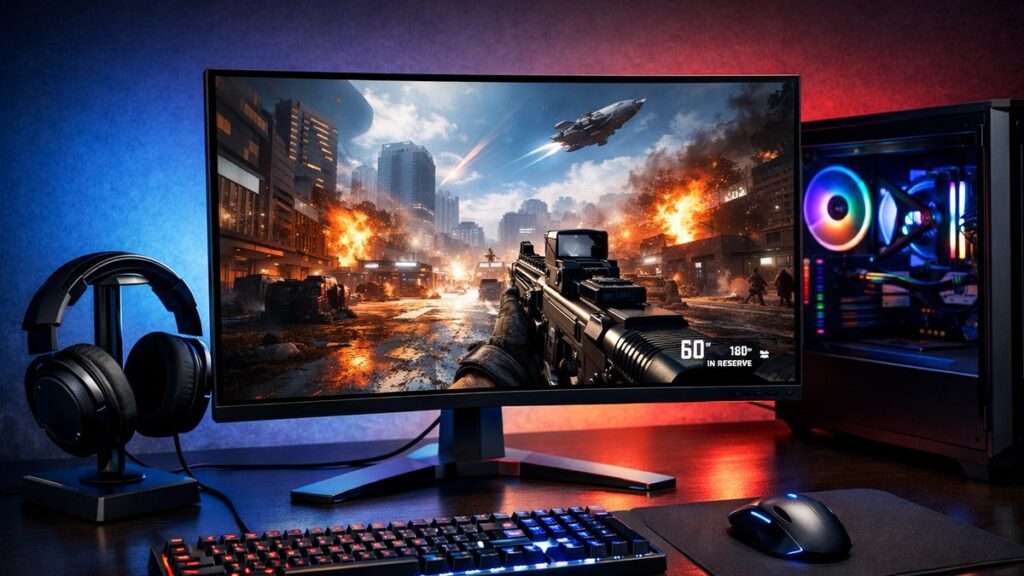
Running 2560×1440 at 240Hz delivers a competitive edge without sacrificing image detail — a key reason esports players and content-aware gamers are migrating away from 1080p high-refresh displays. To understand how 240Hz compares to 120Hz on 2K panels, follow the data on frame clarity and motion blur reduction.
Competitive Advantages
⚡ Lower perceived input lag vs. 144Hz panels
🎯 Smoother crosshair tracking in FPS titles
👁️ Reduced motion blur between frames
📉 Better frame pacing with adaptive sync
Tradeoffs to Consider
🖥️ Requires a powerful GPU (RTX 4070+ recommended)
💸 Higher price premium over 144Hz 2K monitors
🔋 More demanding on system resources
📐 Marginal gains for non-competitive gaming
Input Lag & Response Time Benchmarks
Monitor
Input Lag (ms)
GtG Response
MPRT
Overdrive Modes
LG 27GP850-B
~2.1ms
1ms
N/A
4 levels
Gigabyte M27Q X
~1.9ms
1ms
0.5ms
3 levels
Samsung Odyssey G7
~2.3ms
1ms
1ms
5 levels
ASUS TUF VG27AQZ
~2.4ms
1ms
1ms
3 levels
ASUS ROG PG27AQN
~1.7ms
1ms
N/A
Variable OD
Input lag under 2ms is the practical threshold for competitive play. Monitors with hardware-level low-latency modes (e.g., ELMB, ULMB) can push perceived lag even lower, but often disable adaptive sync simultaneously.
Panel Technology Comparison for 240Hz 2K Gaming
Panel Type
Color Accuracy
Contrast Ratio
Response Speed
Best For
IPS
⭐⭐⭐⭐⭐
~1000:1
Fast (1ms GtG)
Balanced competitive + content
Nano IPS
⭐⭐⭐⭐⭐
~1100:1
Very fast (1ms GtG)
Color-critical esports
VA
⭐⭐⭐⭐
~2500:1
Moderate (1ms MPRT)
Dark game environments
OLED
⭐⭐⭐⭐⭐
Infinite
Fastest (<0.1ms)
Premium all-around
GPU Requirements to Sustain 240 FPS at 1440p
Hitting consistent 240 FPS at 2K resolution demands significant GPU headroom. Below are realistic frame-rate expectations by GPU tier across popular competitive titles.
✅ Adaptive sync (G-Sync Compatible or FreeSync Premium)
✅ DisplayPort 1.4 for full bandwidth
✅ Low-latency mode (hardware-level)
✅ Adjustable overdrive (3+ levels)
Useful But Optional
🔵 USB-C / Thunderbolt connectivity
🔵 Built-in KVM switch
🔵 HDR certification (HDR400 minimum)
🔵 Factory color calibration report
🔵 Ergonomic stand (tilt, swivel, height)
Esports vs. Immersive Gaming: Which Profile Fits You?
Use Case
Priority
Recommended Panel
Best Pick
Competitive FPS (CS2, Valorant)
Input lag + Hz above all
IPS / Nano IPS
Gigabyte M27Q X
Battle Royale (Apex, Fortnite)
Balance: motion + color
Nano IPS
LG 27GP850-B
MOBA / RTS
Color accuracy + clarity
IPS
ASUS TUF VG27AQZ
Dark/Horror Titles
Contrast + black levels
VA
Samsung Odyssey G7
Mixed Work + Gaming
Color + ergonomics
IPS / OLED
ASUS ROG PG27AQN
Overclocked vs. Native 240Hz: What You Need to Know
Native 240Hz
✅ Consistent frame timing
✅ Full adaptive sync range at peak Hz
✅ No frame skipping risk
✅ Better long-term panel stability
Overclocked to 240Hz
⚠️ May introduce frame skipping
⚠️ Adaptive sync range may be limited
⚠️ Panel-dependent performance variance
✅ Lower cost entry point
Connectivity & Setup Checklist
Use DisplayPort 1.4 (not HDMI 2.0) to guarantee full 2K 240Hz bandwidth
Enable the monitor’s low-latency or “fast” mode in the OSD menu
Set overdrive to medium — high overdrive often causes inverse ghosting at 240Hz
Activate adaptive sync in GPU driver settings (NVIDIA Control Panel or AMD Software)
Verify the desktop refresh rate is set to 240Hz in OS display settings
Disable unnecessary post-processing features (sharpness filters, dynamic contrast)
Price Tiers for 2K 240Hz Gaming Monitors
Budget Range
What to Expect
Example Models
Under $300
Overclocked 240Hz, IPS, basic ergonomics
ASUS TUF VG27AQZ, AOC Q27G3XMN
$300–$500
Native 240Hz, enhanced color, full adaptive sync
LG 27GP850-B, Gigabyte M27Q X
$500–$800
Premium IPS/VA, HDR, wide adaptive sync range
Samsung Odyssey G7, MSI MAG274QRF-QD
$800+
OLED or G-Sync Ultimate, elite-level performance
ASUS ROG PG27AQN, LG 27GX790B
For a broader comparison across all performance tiers and panel types, see our full 2K gaming monitor buying guide to match the right display to your specific build and budget.