
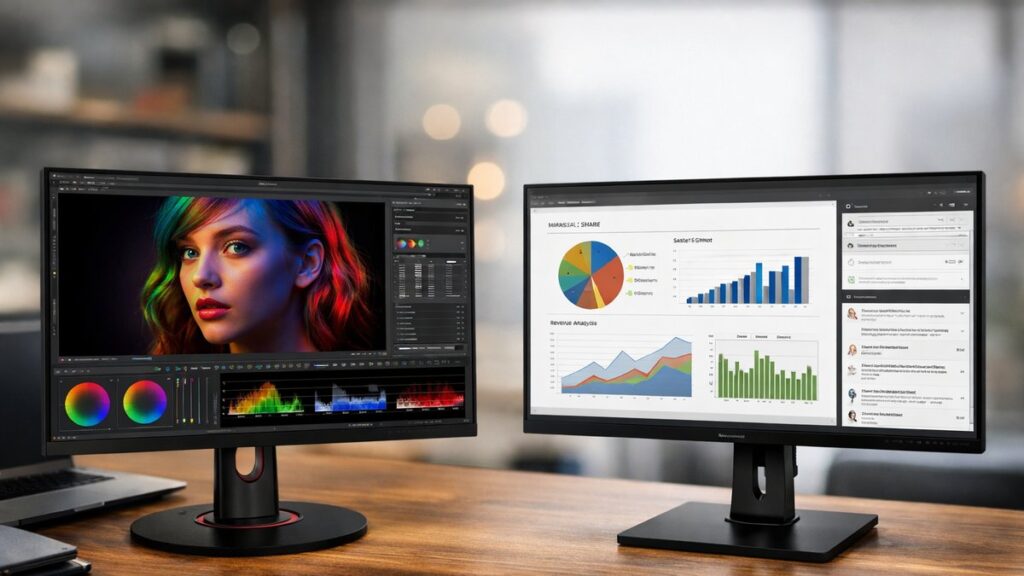
ViewSonic VP2776 vs VG2756-2K: Side-by-Side Specs
| Specification | ViewSonic VP2776 | ViewSonic VG2756-2K |
|---|---|---|
| Screen Size | 27 inches | 27 inches |
| Resolution | 2560×1440 (QHD/2K) | 2560×1440 (QHD/2K) |
| Panel Type | IPS | IPS |
| Refresh Rate | 60 Hz | 75 Hz |
| Response Time | 5ms (GtG) | 5ms (GtG) |
| Color Gamut | 100% sRGB, 100% Rec.709, 85% DCI-P3 | 99% sRGB |
| Factory Calibration | ✅ Yes (Delta E < 2) | ❌ No |
| Brightness | 350 cd/m² | 350 cd/m² |
| Contrast Ratio | 1000:1 | 1000:1 |
| USB-C (Power Delivery) | ✅ Yes (90W) | ✅ Yes (90W) |
| USB Hub | USB 3.2 Gen 1 (4 ports) | USB 3.2 Gen 1 (4 ports) |
| RJ-45 (LAN) | ✅ Yes | ✅ Yes |
| Ergonomic Stand | Tilt, Swivel, Pivot, Height | Tilt, Swivel, Pivot, Height |
| VESA Mount | 100×100 mm | 100×100 mm |
| Built-in Speakers | ✅ Yes (2×2W) | ✅ Yes (2×2W) |
| Target User | Designers, photographers, creatives | Office workers, business users |
| Price Range | Higher (professional tier) | Mid-range (productivity tier) |
Color Accuracy & Display Performance
VP2776 — Professional Color
- 🎨 Factory-calibrated, Delta E < 2 out of the box
- Covers 100% sRGB and 100% Rec.709 for broadcast-ready work
- 85% DCI-P3 coverage suitable for video production
- Hardware color calibration support via USB
- Multiple color modes: sRGB, EBU, SMPTE-C, Dicom
- Low blue light and flicker-free certified
VG2756-2K — Productivity Color
- 🖥️ 99% sRGB coverage — accurate for everyday tasks
- No factory calibration certificate included
- Color modes limited to basic presets
- AdaptiveSync/FreeSync support for smoother visuals
- Good for spreadsheets, documents, video calls
- Low blue light and flicker-free certified
The VP2776 is the clear winner for color-critical workflows. Its factory calibration and broad gamut coverage make it suitable for print design, photo editing, and video grading. The VG2756-2K delivers solid sRGB accuracy for office use but is not intended for professional color work.
Connectivity: How They Compare Port-by-Port
| Port / Feature | VP2776 | VG2756-2K |
|---|---|---|
| USB-C (90W PD + DP Alt) | ✅ | ✅ |
| HDMI 2.0 | 2× HDMI | 2× HDMI |
| DisplayPort 1.2 | ✅ | ✅ |
| USB-A 3.2 Upstream/Downstream | 4 ports | 4 ports |
| RJ-45 Ethernet | ✅ | ✅ |
| Audio Jack (In/Out) | ✅ | ✅ |
| Daisy-Chain (DP Out) | ✅ | ❌ |
Both monitors function as USB-C docking hubs, letting you connect a laptop with a single cable for power, video, and data. The VP2776 adds DisplayPort daisy-chaining, which is valuable in multi-monitor setups without requiring extra GPU outputs.
Ergonomics & Build Quality
Shared Ergonomic Features
- Height adjustment (up to 150mm range)
- Tilt: -5° to +20°
- Swivel: ±40°
- Portrait pivot: 90° rotation
- VESA 100×100 mm compatible
Build Differences
- 🏗️ VP2776 has a more premium chassis finish
- VG2756-2K uses a lighter, more minimalist design
- VP2776 bezels are ultra-thin on three sides
- VG2756-2K is better suited for cable-managed office deployments
- Both are suitable for multi-monitor arrays
ViewSonic VP2776 vs VG2756-2K: Who Should Buy Which?
| Use Case | Best Choice | Reason |
|---|---|---|
| Graphic design / photo editing | VP2776 | Factory calibration, wide gamut |
| Video production / color grading | VP2776 | DCI-P3 and Rec.709 coverage |
| Office productivity / multitasking | VG2756-2K | 75 Hz refresh, lower price |
| Business / corporate deployment | VG2756-2K | Cost-effective, reliable sRGB |
| Multi-monitor daisy-chain setup | VP2776 | DisplayPort out supported |
| Single-cable USB-C laptop setup | Both | 90W PD on both models |
| Budget-conscious creative | VG2756-2K | Good sRGB at a lower investment |
Pros & Cons at a Glance
VP2776
- ✅ Factory-calibrated Delta E < 2
- ✅ Hardware calibration support
- ✅ 85% DCI-P3 and Rec.709 coverage
- ✅ DisplayPort daisy-chain output
- ✅ Multiple professional color modes
- ❌ Higher price point
- ❌ Only 60 Hz refresh rate
VG2756-2K
- ✅ 75 Hz refresh rate (smoother scrolling)
- ✅ AdaptiveSync / FreeSync support
- ✅ More affordable
- ✅ 99% sRGB — accurate for office tasks
- ✅ Compact, lightweight design
- ❌ No factory calibration
- ❌ No DisplayPort daisy-chain
Top Picks: ViewSonic 2K Monitors for Work
[amazon_rapid query=”ViewSonic 2K monitor 27 inch” brand=”ViewSonic” layout=”magazine” cols=”2″ country=”US” lang=”en_US” max_pages=”1″ per_page=”4″ sort_by=”RELEVANCE” show_variants=”0″]
Key Differentiators Summary
| Feature Category | Winner |
|---|---|
| Color accuracy & calibration | VP2776 |
| Refresh rate & responsiveness | VG2756-2K |
| Connectivity versatility | VP2776 (daisy-chain) |
| Value for money | VG2756-2K |
| Professional creative workflows | VP2776 |
| Office & business environments | VG2756-2K |
| Ergonomics | Tie |
For a broader look at how these two models stack up against other options in the lineup, explore all ViewSonic 2K monitor comparisons to find the right fit for your workflow and budget.