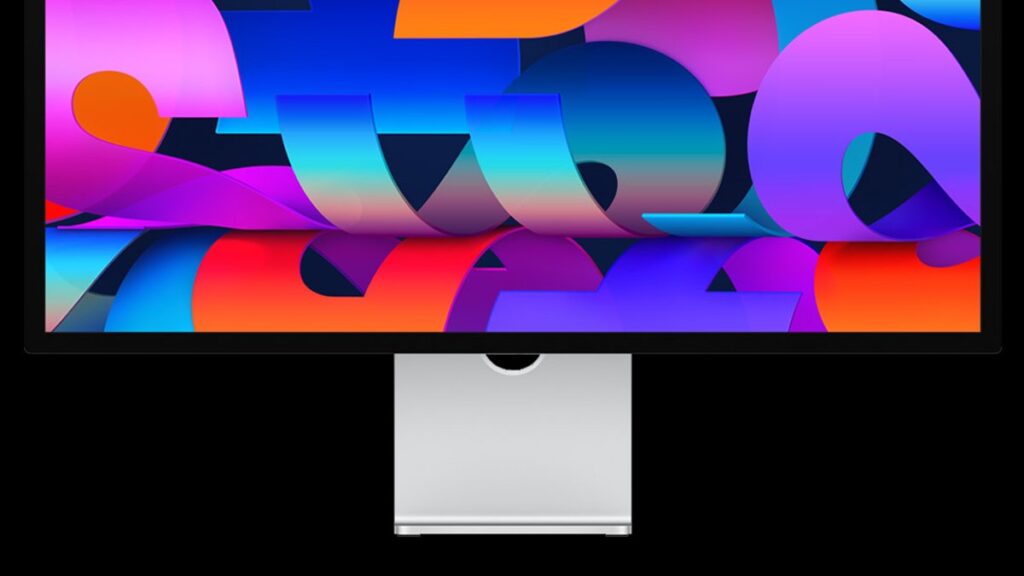
How It Compares: Apple Studio Display 2026 vs. 2022 vs. Pro Display XDR
Feature
Studio Display 2022
Studio Display 2026
Pro Display XDR
Resolution
5K
5K
6K
Refresh Rate
60Hz
60Hz
60Hz
HDR Support
No
No
Yes
Mini LED Backlight
No
No
Yes
Thunderbolt Version
Thunderbolt 3
Thunderbolt 5
Thunderbolt 3
Daisy-Chain Support
No
Yes
Yes
Spatial Audio
Yes
Yes (6-speaker)
No
Built-in Webcam
Yes
Yes
No
Pros and Cons
✅ Pros
Thunderbolt 5 ensures future-proof connectivity with latest Macs
Daisy-chain support via second Thunderbolt port — a major upgrade over previous model
Six-speaker Spatial Audio with Dolby Atmos is rare in monitors
Built-in webcam and microphone eliminate the need for accessories
Choice between glossy and Nano-texture matte finish
Multiple stand and mounting configurations available
❌ Cons
No HDR support — unlike the Pro Display XDR
No Mini LED backlighting at this price tier
Refresh rate stays at 60Hz — no high-refresh option
Tilt-only stand is basic; height adjustment costs extra
Nano-texture finish adds to the overall price
Ecosystem lock-in: optimized exclusively for Mac users
Who Should Buy the Apple Studio Display 2026?
User Profile
Fit
Reason
MacBook Pro / Mac mini / Mac Studio users
⭐⭐⭐⭐⭐ Excellent
Full Thunderbolt 5 bandwidth, seamless Apple ecosystem integration
Creative professionals (photo/video)
⭐⭐⭐⭐ Very Good
5K resolution and color accuracy ideal for editing workflows
Home office and remote workers
⭐⭐⭐⭐ Very Good
Built-in webcam, mic, and Spatial Audio reduce desk clutter
Multi-monitor setups
⭐⭐⭐⭐ Very Good
Daisy-chain support now allows connecting two displays
Gamers
⭐⭐ Poor
No high refresh rate or HDR — better options exist for gaming
Windows PC users
⭐ Not Recommended
Features deeply tied to macOS; limited compatibility
Configuration Options: What to Choose
Panel Finish
🖥️ Standard Glossy: Better color vibrancy and brightness — ideal for controlled lighting environments
🔲 Nano-texture Matte: Reduces glare significantly — best for bright offices or rooms with windows
Stand & Mounting
📐 Tilt-only stand: Included by default — suitable for fixed desk setups with a set viewing height
↕️ Tilt + Height-adjustable stand: Recommended upgrade for ergonomic flexibility and shared workspaces
🔩 VESA mount adapter: Best for monitor arms or custom mounting — note: no stand is included with this option
Connectivity Overview
The shift to Thunderbolt 5 is one of the most significant upgrades from the 2022 model. It delivers up to 120 Gbps bandwidth, enabling faster data transfer, higher power delivery to connected devices, and compatibility with the latest MacBook Pro, Mac mini M4, and Mac Studio M4 lineups.
🔌 Thunderbolt 5 host port — connects to Mac with a single cable
🔗 Second Thunderbolt port — daisy-chain a second monitor or connect peripherals
⚡ Up to 96W power delivery to host MacBook
📡 Compatible with all Thunderbolt 5-equipped Mac models
Audio & Webcam Capabilities
🔊 Six-Speaker Spatial Audio
Dolby Atmos support for immersive sound
Force-cancelling woofers reduce vibration
Tuned tweeters for high-frequency clarity
Outperforms most external monitor speakers
📷 Built-in Webcam & Mic
Center Stage automatically keeps you in frame during video calls
Studio-quality three-microphone array with directional beamforming
Reduces background noise automatically
Integrates natively with FaceTime, Zoom, and Teams on macOS